


In-home Bertazzoni repair across the San Francisco Bay AreaMon–Sat 8 AM – 7 PM
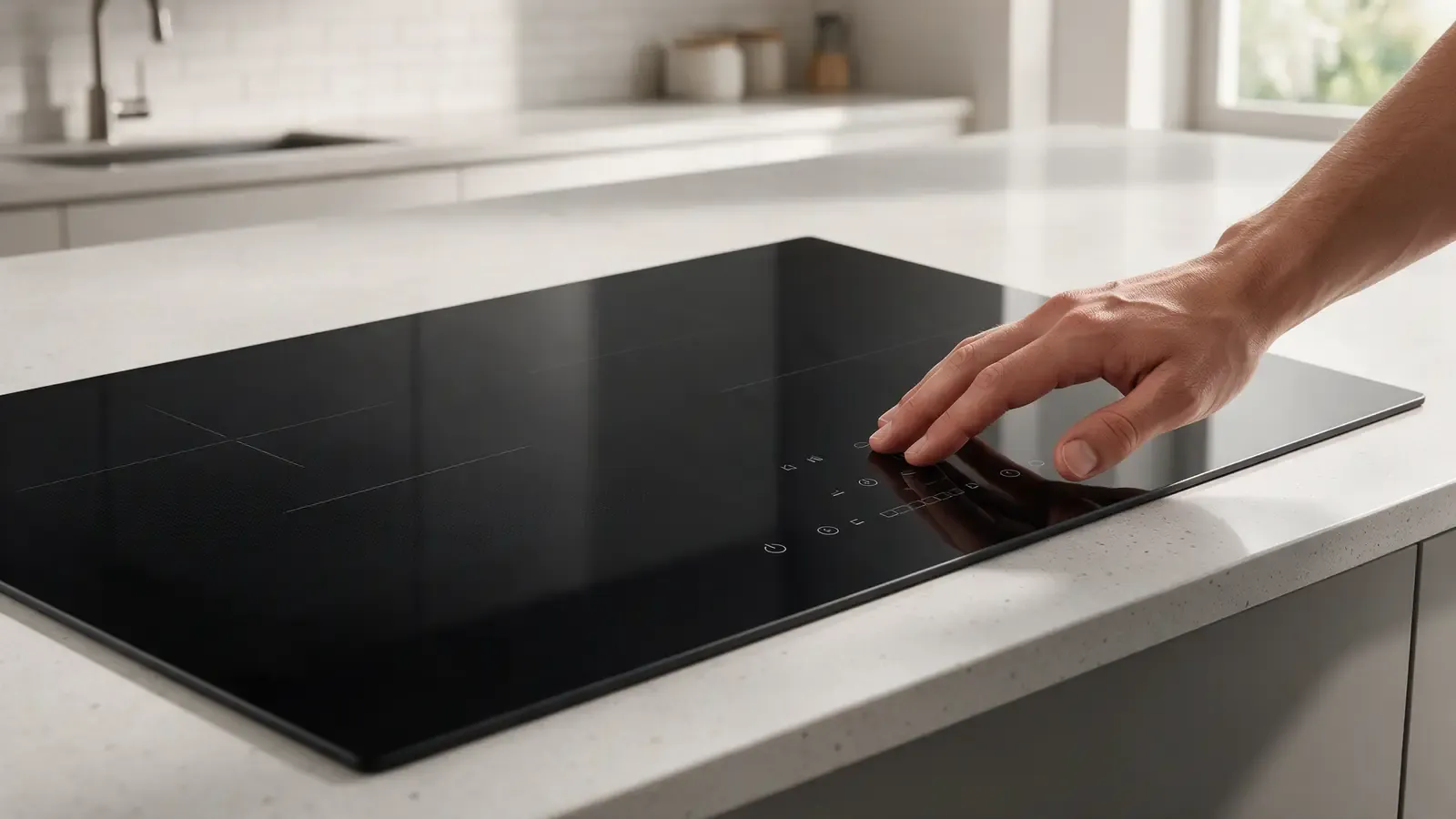
The panel responds when it feels like it. Moisture, residue, and heat are the usual suspects, and most of them are things you can see on the surface.
Repair guide
Intermittent controls come in a few flavors. Some respond only after a wipe of the glass. Some respond only when the cooktop is cold. Some ignore touches while a pot is simmering nearby, or lock out entirely after a boil-over. Others beep and act on their own.
A good description separates these. A panel that fails in the morning but works at night is a different animal from one that fails after heavy cooking. Time of day, temperature and recent spills all matter. Also note whether the problem affects one zone, a whole row of symbols or the entire panel, since that narrows where the fault sits.
Try to remember what changed before it started: a new cleaner, a remodel, a new pot, or a lightning storm.
Touch sensors read tiny changes in electrical charge through the glass. A film of water, grease or cleaner changes that reading. Fog-belt kitchens near the ocean see more condensation on cool glass in the morning, and simmering pots add steam. Steam rising from a pot near the controls can condense on the glass above the sensors even when the rest of the surface looks dry.
Wiping with a damp cloth, then a dry microfiber, often restores response. Avoid abrasive cleaners and wax-based polishes, which leave a film that muffles touch. A cleaner made for glass-ceramic surfaces, as the manual advises, is a better choice.
If the problem goes away reliably after cleaning and returns after cooking, the sensors are probably fine and the film is the problem.
Hot pans positioned close to the control area warm the glass beneath the sensors, which can cause them to misread or protect themselves. A kettle with a metal handle resting against the panel can register as constant touch. Because the panel treats a held contact as a press, the controls may seem frozen or may keep reacting to a touch that is not there.
Cloth, foil, and spatulas left on the controls can lock the panel or cause stray activation. Many models have a safety lock; if the panel seems dead, check whether the lock indicator is lit and release it as your manual describes.
In small kitchens, the cooktop controls double as a shelf. Clear the surface and see whether the behavior changes.
Inconsistent power makes a panel act strangely. A loose breaker, an overloaded circuit or a flicker in the supply voltage can produce resets and missed touches. If the display flickers or the clock resets, mention it.
Homes with older wiring, shared kitchen circuits or long runs can show this more often. Dimming lights when the cooktop starts is a hint worth sharing with the technician.
Induction supply quality discusses how power quality can affect electronics generally. Do not test the supply yourself.
If the glass is clean, objects are cleared and the supply is steady, the touch module itself becomes the suspect. The sensor traces may be affected by heat or moisture that reached the underside, or a connector may have loosened. See the cooktop E37 code page for how touch-response messages are handled.
A cooktop that responds fully when cold and fails after an hour of cooking points at heat-related behavior in the module. One that fails after a spill points at moisture. Both patterns are observations, not proof, because the technician still has to confirm the module is the source and not the glass surface or the supply.
Neither is something to fix by opening the cooktop. Glass tops can crack under stress, and the wiring beneath is live.
If the problem returns each time, record conditions and book. Do not repeatedly stab at the panel, because that can trigger lock-outs.
The technician reproduces the fault in the state you describe, whether cold, warm or after steam. The sensor response is checked under controlled conditions and the module connections and glass underside are inspected for moisture or heat marks.
A written estimate follows, naming what was tested and why. Nothing is replaced without approval.
If the cooktop is a gas model, the same discipline applies to its switches and ignition controls, and gas parts are never touched by owners.
Spray cleaners that run under the trim can reach the electronics, and some leave residues that interfere with touch. Apply cleaner to the cloth rather than the glass, and wipe in one direction so you do not push liquid toward the edges.
Scrapers are fine for burnt-on residue on the cooking zones, but keep them away from the control area, where scratches can alter touch response. Sugary spills should be cleaned while the glass is still warm but safe to touch, following your manual.
Wax, polish and some stainless-steel sprays are not for the glass. A fine, invisible film can dull sensitivity for weeks.
Many cooktops have a child lock, a pause feature, and automatic shut-off timers that can look like a failing panel. If the display shows a key symbol or a flashing indicator, check the manual before assuming a fault.
Some panels also go into a safety mode after a spill or when something covers a sensor for several seconds. The beep that follows tells you it happened. Clear the surface, wait, and switch on again.
If the controls behave only when you hold a touch for longer, or only when you press at a certain angle, the sensor zone may be degrading. Note which symbols are difficult and share it. A zone that has gone dull in one spot while the rest responds normally is easier to pin down than a panel that is erratic everywhere.
Stop and switch off at the breaker if burners or zones turn on by themselves, the display shows random numbers, or you see water beneath the glass. For service, see Bertazzoni cooktop repair and Bertazzoni cooktops.
Moisture or film on the glass interferes with touch sensing. Cleaning restores the reading.
Yes. Heat and metal near the panel can trigger protection or constant touch.
A brief reset is safe. Repeated resets or a tripping breaker need a technician.
Yes. Switch off at the breaker and arrange service before using the cooktop again.
Share a few details and we’ll confirm an appointment. Prefer to talk? Call us and we’ll help right away.